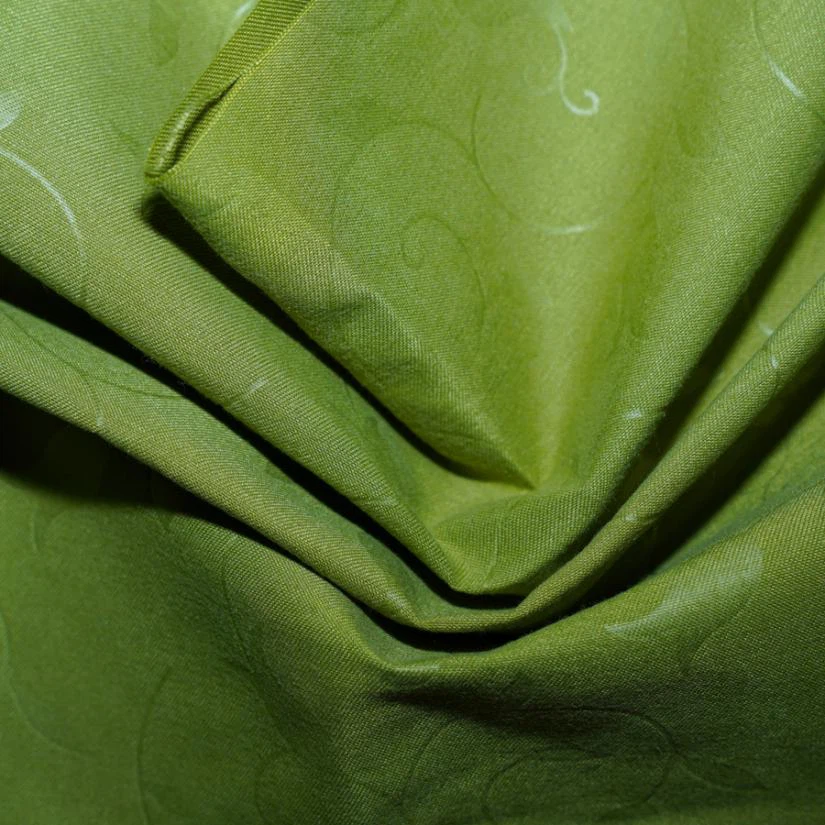
Hey there! As a supplier of digital printed fabric, I often get asked about the equipment needed to print on digital printed fabric at home. It's a super cool DIY project that can add a personal touch to your home decor, clothing, or any fabric-based crafts. In this blog, I'll walk you through the essential equipment you'll need to get started with home digital fabric printing.
Printer
The heart of your home digital fabric printing setup is, of course, the printer. Not just any printer will do; you need one that's capable of handling fabric printing. Inkjet printers are the most common choice for home fabric printing because they're relatively affordable and easy to use.
When choosing an inkjet printer for fabric printing, look for one that has a high resolution. A resolution of at least 1200 x 1200 dpi (dots per inch) will ensure sharp and detailed prints. Also, consider the printer's color accuracy. You want a printer that can reproduce colors as accurately as possible, especially if you're working with complex designs or vibrant colors.
Some popular inkjet printers for fabric printing include the Epson SureColor series and the Canon PIXMA series. These printers are known for their high-quality prints and reliable performance.
Ink
The type of ink you use is crucial for achieving good results on digital printed fabric. You need to use fabric-specific ink that's designed to bond with the fabric fibers and provide long-lasting color.
There are two main types of fabric ink: pigment ink and dye-sublimation ink. Pigment ink is a great choice for printing on natural fibers like cotton and linen. It forms a physical bond with the fabric fibers, resulting in prints that are fade-resistant and durable. Dye-sublimation ink, on the other hand, is better suited for synthetic fibers like polyester. It works by sublimating (turning from a solid to a gas) and then bonding with the fabric molecules, creating vibrant and long-lasting prints.
Make sure to use the ink recommended by your printer manufacturer to ensure compatibility and optimal performance. You can find fabric ink at most office supply stores or online retailers.
Fabric
The choice of fabric plays a significant role in the final outcome of your digital printed fabric. Different fabrics have different properties, such as absorbency, texture, and colorfastness, which can affect how the ink adheres to the fabric and how the print looks.
For home digital fabric printing, I recommend starting with 100% Polyester Digital Printed Fabric. Polyester is a synthetic fiber that's known for its smooth texture, durability, and colorfastness. It's also relatively easy to print on, especially with dye-sublimation ink.
If you prefer natural fibers, cotton is a popular choice. Cotton is soft, breathable, and absorbs ink well, resulting in rich and vibrant prints. However, it may require some pre-treatment to improve the colorfastness of the prints. You can find pre-treated cotton fabric specifically designed for digital printing at fabric stores or online.
Another option is Polyester Digital Printed Fabric, which combines the best of both worlds. It has the smooth texture and durability of polyester, along with the ability to absorb ink like natural fibers. This makes it a versatile choice for a wide range of printing projects.
Heat Press
A heat press is an essential piece of equipment for transferring the printed design onto the fabric. It uses heat and pressure to bond the ink to the fabric fibers, ensuring that the print is permanent and long-lasting.
There are different types of heat presses available, including clamshell heat presses, swing-away heat presses, and platens. Clamshell heat presses are the most common type for home use. They're easy to operate and relatively affordable. Swing-away heat presses offer more flexibility and are better suited for larger prints. Platens are flat surfaces that can be heated and used to apply pressure to the fabric.
When using a heat press, make sure to follow the manufacturer's instructions carefully. The temperature, pressure, and time settings will vary depending on the type of fabric and ink you're using. You may need to do some test prints to find the optimal settings for your specific project.
Cutting Tools
Once you've printed your design on the fabric, you'll need to cut it to the desired size and shape. You can use a pair of sharp scissors or a rotary cutter for this task.
If you're working with a large piece of fabric or need to make precise cuts, a rotary cutter is a great option. It's faster and more accurate than scissors, especially for straight cuts. Make sure to use a self-healing cutting mat to protect your work surface and ensure clean cuts.
Design Software
To create your own designs for digital printed fabric, you'll need some design software. There are many options available, ranging from free and basic software to professional-grade programs.
Some popular design software for fabric printing includes Adobe Photoshop, Illustrator, and Inkscape. These programs offer a wide range of tools and features for creating and editing designs. They also allow you to adjust colors, add text, and apply special effects to your designs.
If you're new to design software, you may want to start with a free and easy-to-use program like Canva. Canva has a user-friendly interface and a library of pre-designed templates that you can customize for your fabric printing projects.


Conclusion
Printing on digital printed fabric at home can be a fun and rewarding DIY project. With the right equipment and a little bit of practice, you can create unique and personalized fabric items that are perfect for your home or as gifts for your friends and family.
If you're interested in purchasing digital printed fabric or have any questions about the equipment or process, feel free to contact us for more information. We're here to help you get started with your home digital fabric printing journey.
References
- Epson. (n.d.). Epson SureColor Series. Retrieved from https://www.epson.com
- Canon. (n.d.). Canon PIXMA Series. Retrieved from https://www.canon.com
- Adobe. (n.d.). Adobe Photoshop, Illustrator, and Inkscape. Retrieved from https://www.adobe.com
- Canva. (n.d.). Canva Design Software. Retrieved from https://www.canva.com